ShopKeys is not a generic addon pack. It’s built for real WooCommerce stores that need speed, control, and workflows that actually convert.
ShopKeys goes beyond design — helping stores handle bulk ordering, product discovery, and complex catalogs inside Elementor.

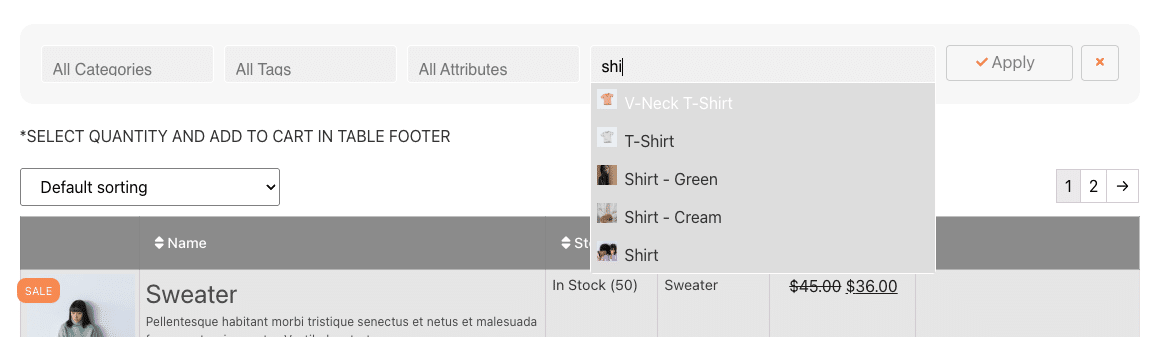
Turn WooCommerce into a fast ordering system with product tables and bulk add-to-cart.
Build cleaner, more effective product layouts with pricing, fields, and smart components.
Create visually structured category sections that improve navigation and discovery.
Build cleaner, more effective product layouts with pricing, fields, and smart components.
Most Elementor addons focus on design.
ShopKeys focuses on how WooCommerce actually works.
ShopKeys is not a 60-widget bundle. Every widget exists to solve real WooCommerce workflows — from faster ordering to better product discovery.
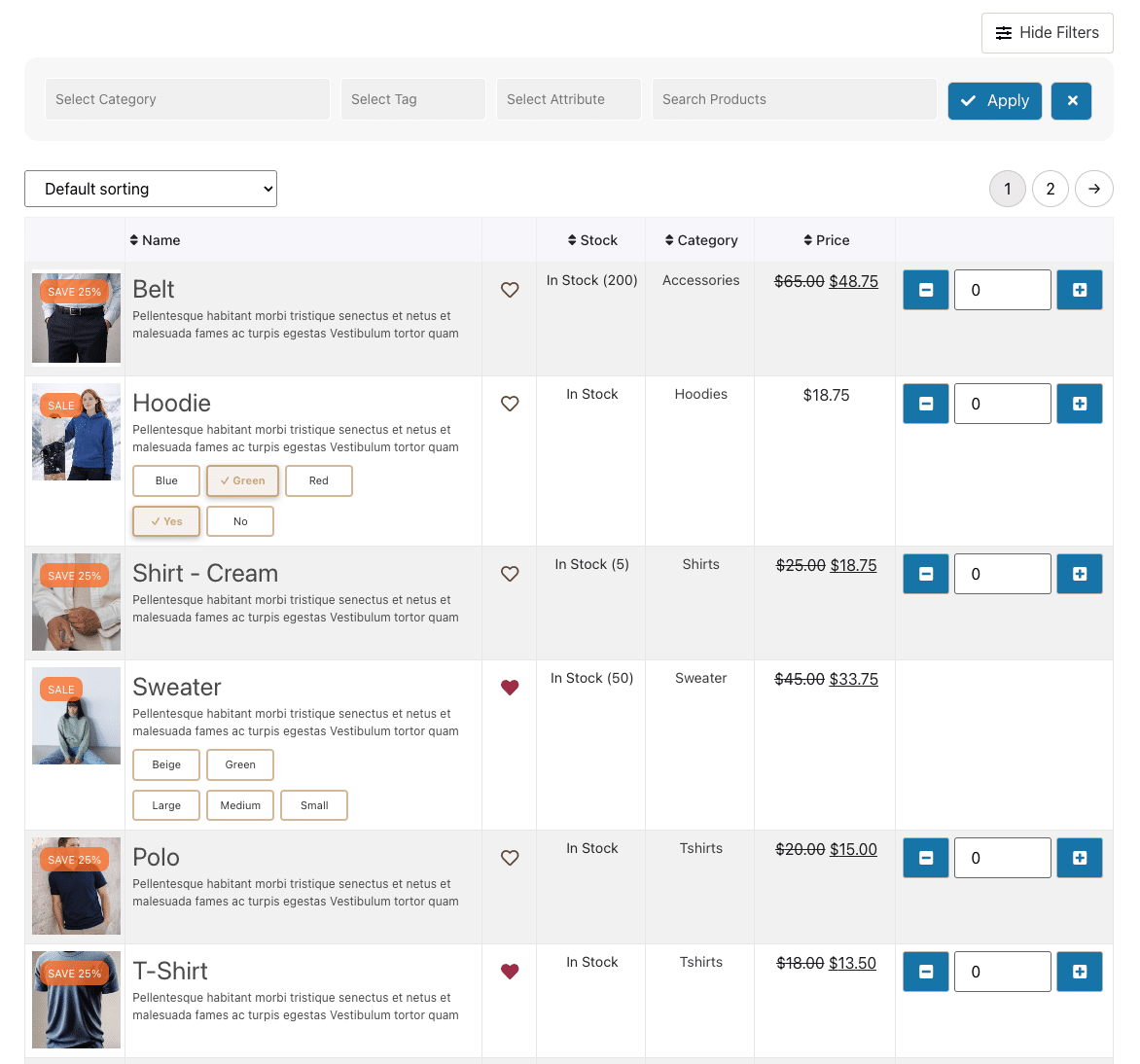
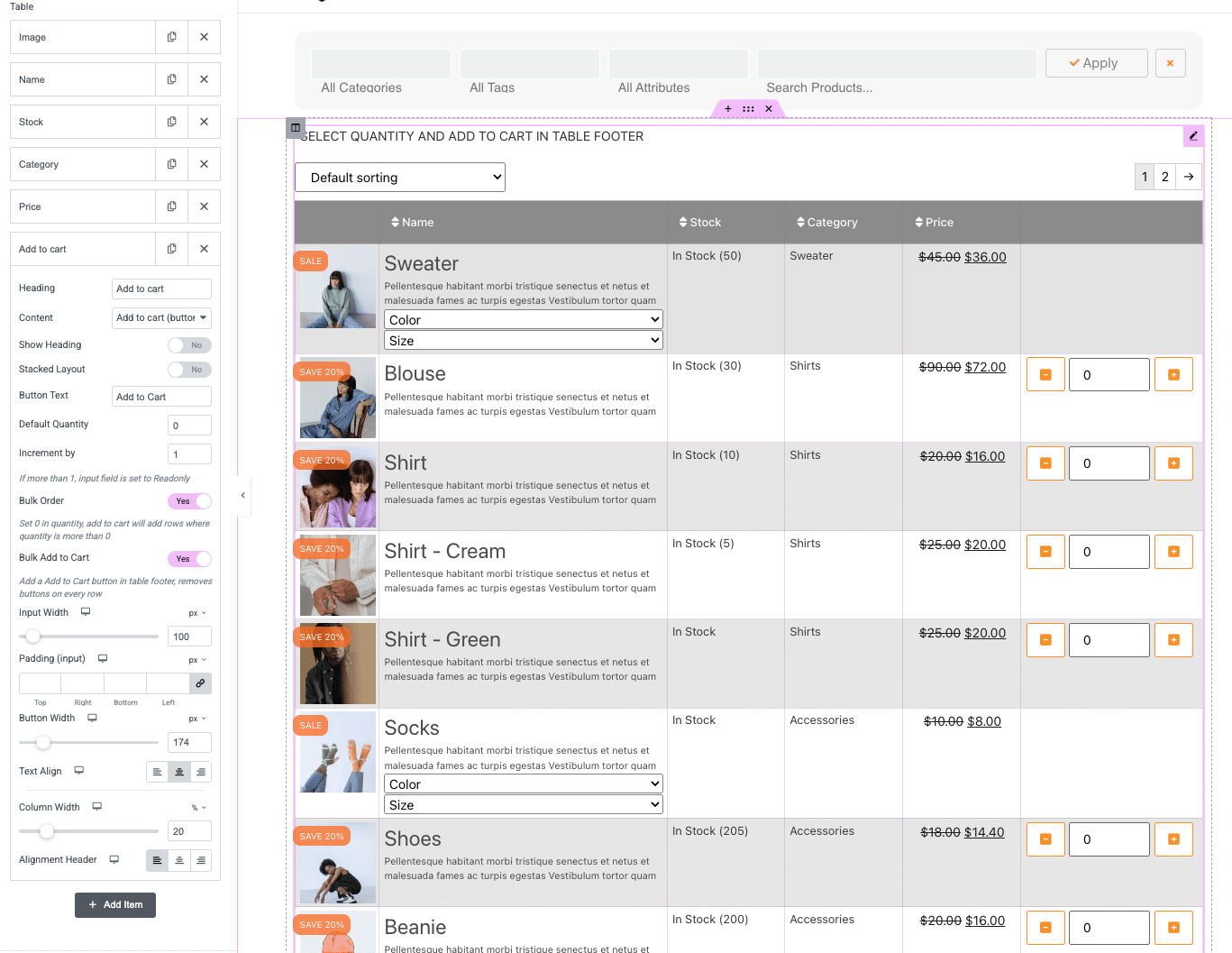
Turn WooCommerce into a fast bulk ordering system. Display products in a clean, customizable table with advanced attributes, variations, and bulk add-to-cart.
Perfect for large catalogs and B2B workflows.
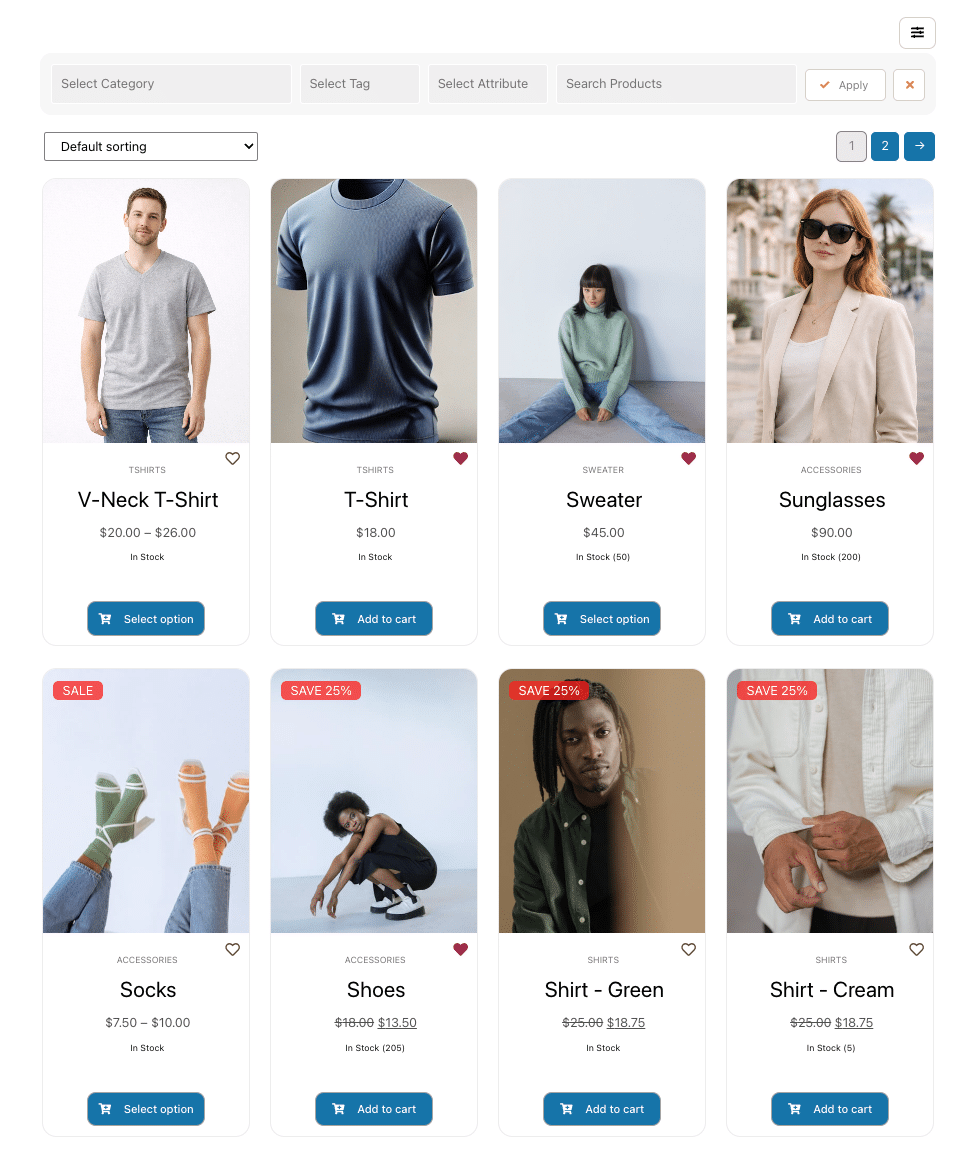
Create modern, responsive product grids with sorting, paging, and clean layouts for effortless browsing.
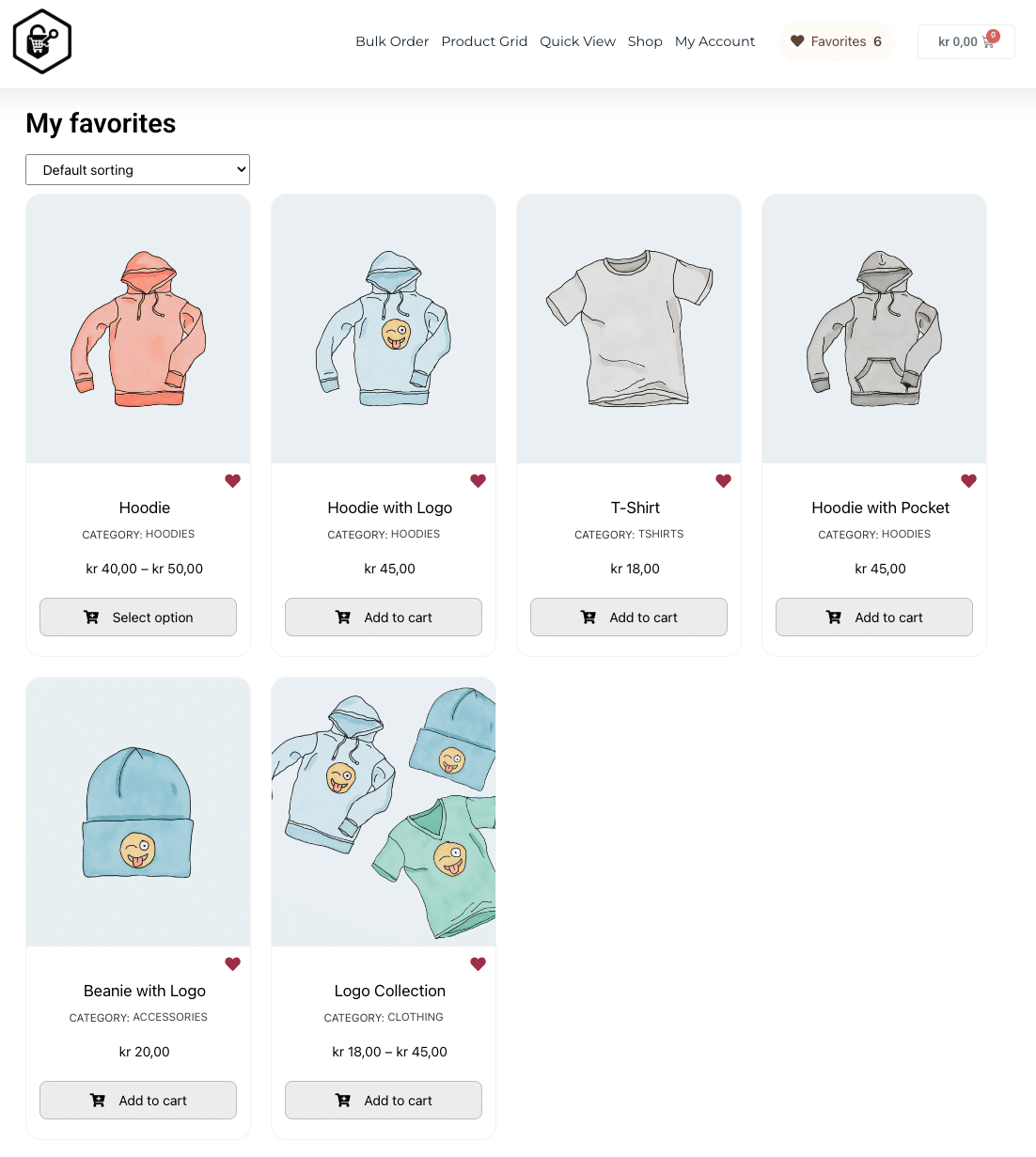
Let customers save products they want to come back to — and build simple “My Favorites” flows directly in Elementor.
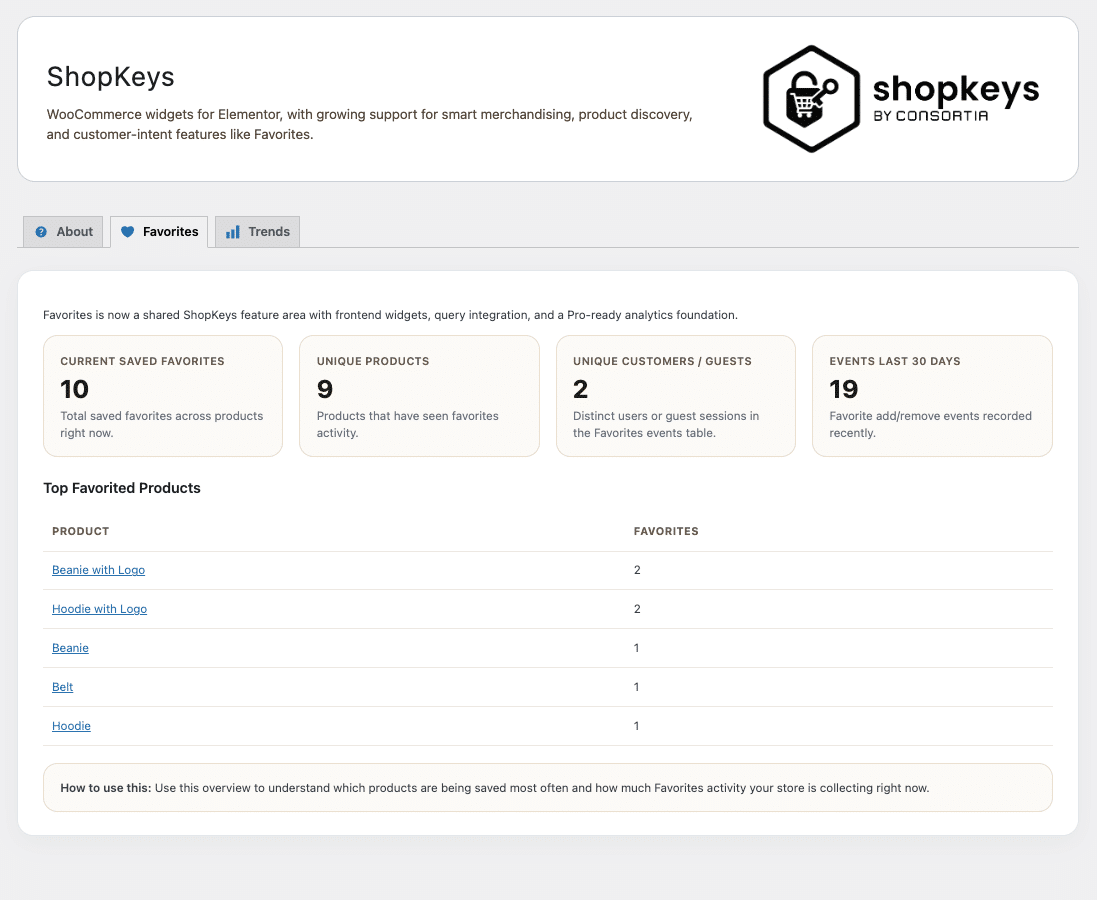
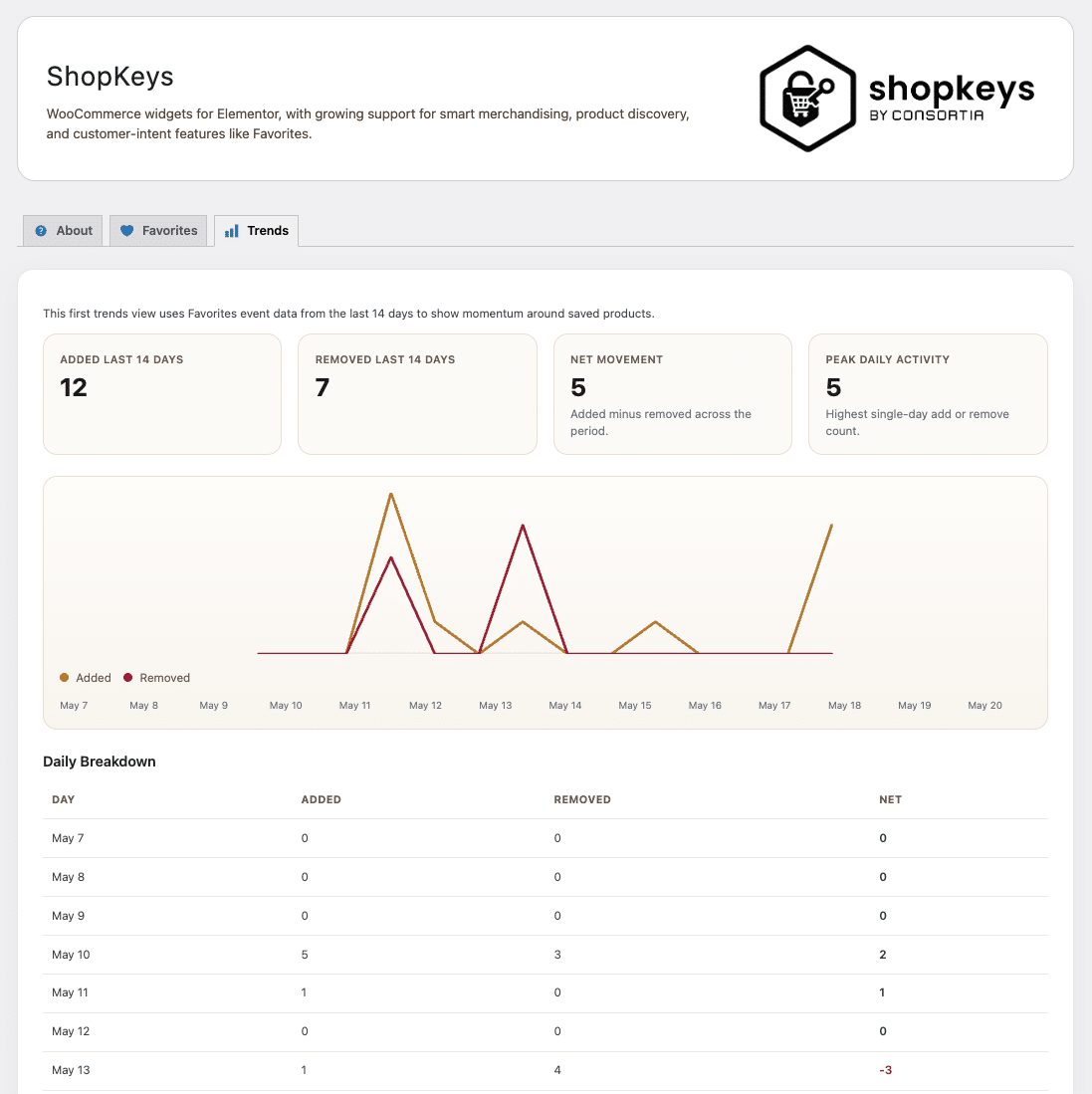
See which products customers are saving and how interest evolves over time — helping you identify demand before it turns into sales.
Create modern, responsive product grids with sorting, paging, and clean layouts for effortless browsing.
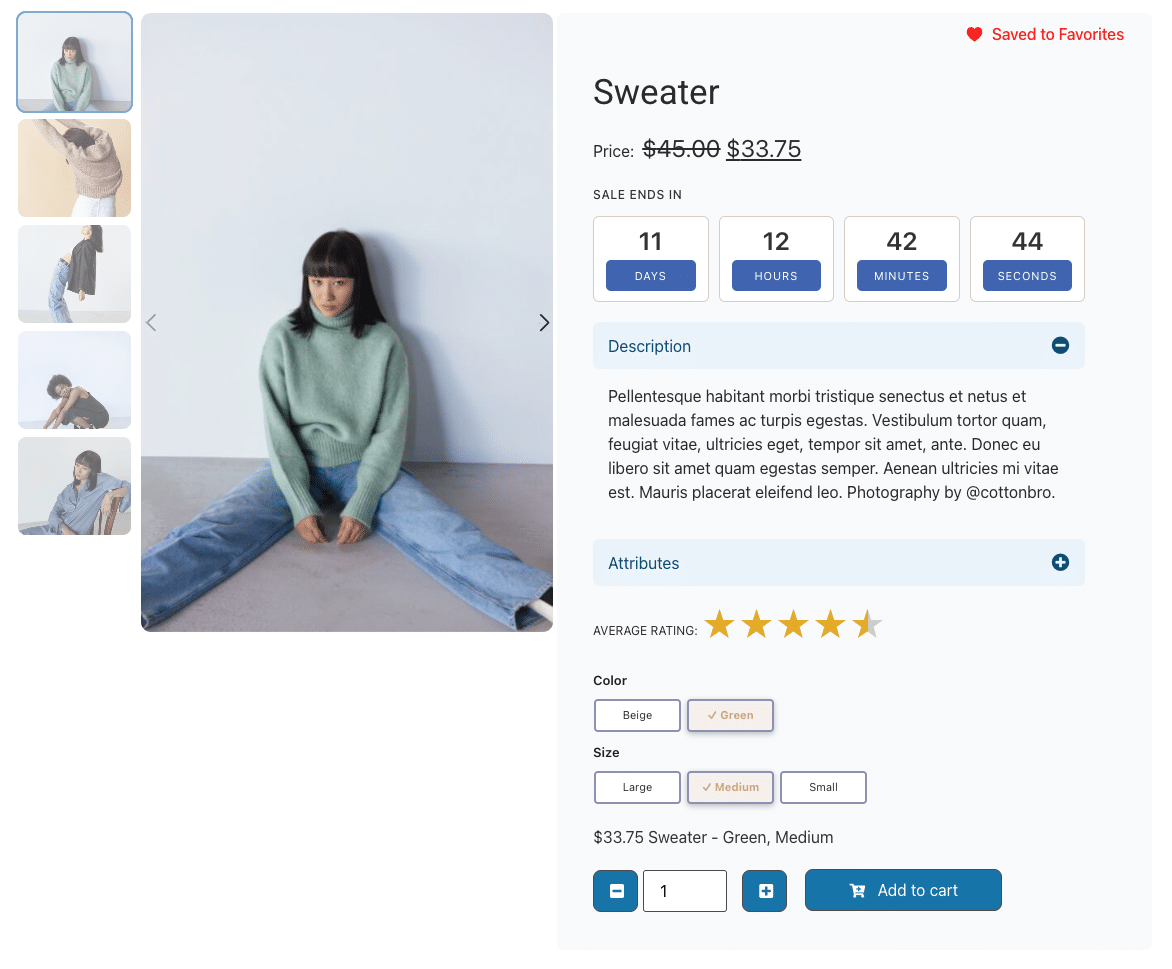
Add urgency with timers for promotions and campaigns to drive faster decisions.
Enhance product visuals with sliders and galleries. Showcase multiple angles and details to increase buyer confidence.
Help customers find products fast with Ajax-powered filters, search, and multi-select options.
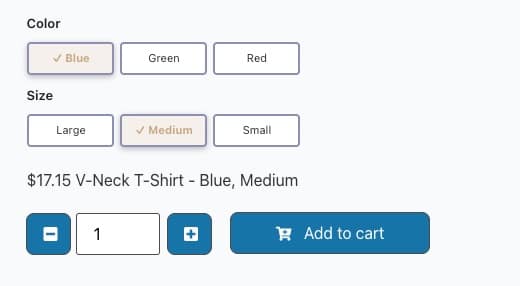
Flexible add-to-cart controls with quantity selectors and variation handling.
Highlight special categories in an interactive carousel. Easy to customize and great for navigation.
Display individual product details and custom fields with precision. Choose from 18+ properties like SKU, weight, or dimensions. Auto-hide empty fields to keep pages clean and professional.
Group multiple product details under expandable toggles. Perfect for organizing specs, features, or even custom content like images and text into neat, collapsible sections — giving customers info on demand without cluttering the page.
Control how prices display with labels, discounts, and VAT settings. Ideal for clear B2B and B2C pricing.
Show ratings with review links. Boost trust by highlighting social proof at a glance.
Full control over product display. Filter by categories, tags, sales items, upsells, cross-sells, my favorites or single products. Build highly targeted layouts in minutes.
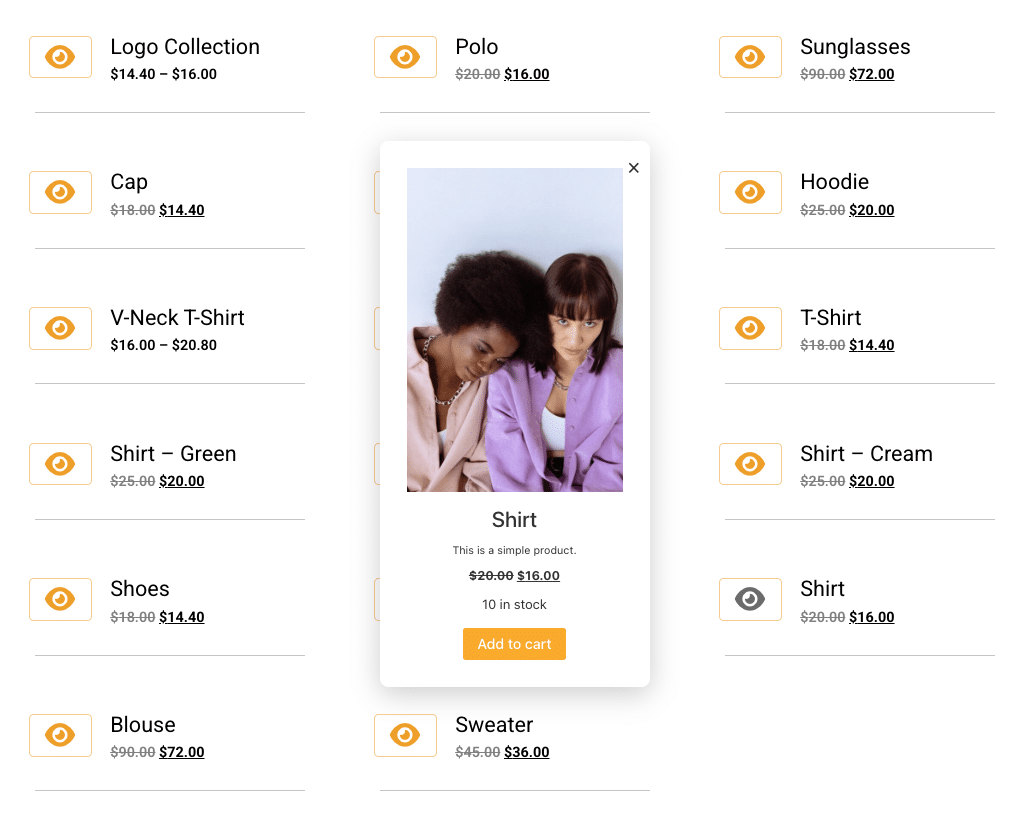
Preview products without leaving the current page. Includes two presets or use your own Elementor template.
See how ShopKeys can transform your store. Live Demo.
ShopKeys for Elementor Pro gives you everything you need to build faster, more effective WooCommerce experiences — including advanced widgets, faster shopping workflows, and customer insights.
You are fully protected by our 100% no-risk guarantee. If you’re not satisfied within 14 days, you’ll get a full refund — no questions asked.
Link to Free version and what it contains is coming ASAP
Got queries on ShopKeys for Elementor? You’re in the right place! Dive into our FAQ section to find answers to the questions we get asked the most. Let’s clear up any uncertainties together.
Yes, but most of the widgets in the add-on depends on WooCommerce to work.
No, you cannot use the add-on without Elementor since it’s an add-on for Elementor (free and PRO).
This add-on require that WP runs on minimum PHP vs 7.0
Yes, just activate your license as you would on a regular site. The local (localhost) development site will not be counted as a site activation.
The add-on will be automatically updated (if enabled on the plugins page) – else just update when new versions is present on the plugins page.
All payments is handled by Freemius using SSL
Yes, contact us on the about page to get a quote.